Google Play Store PC
Gives you access to any type of Apk Android App on your Windows PC.

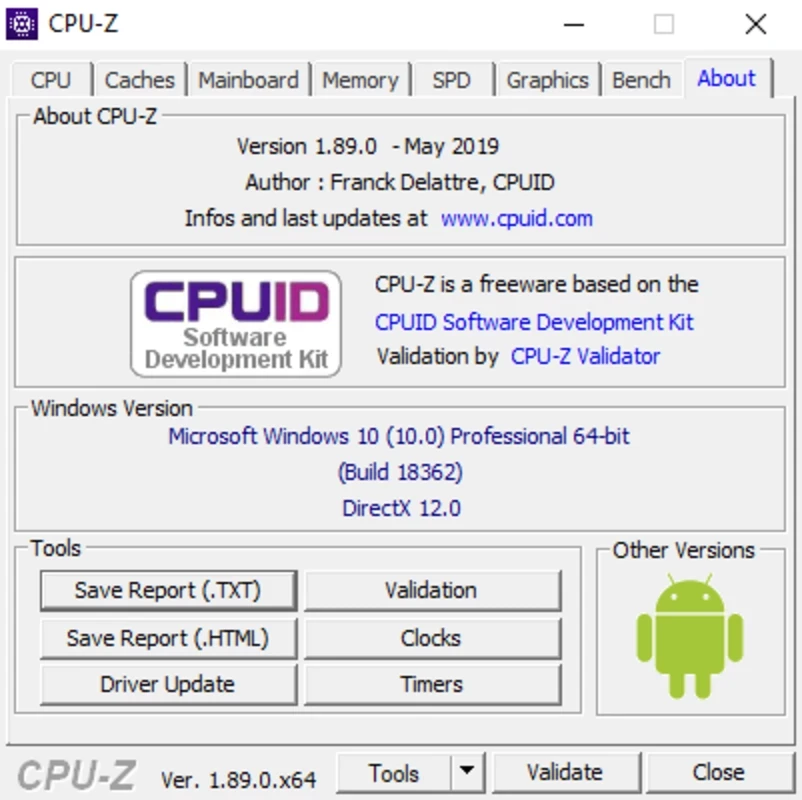
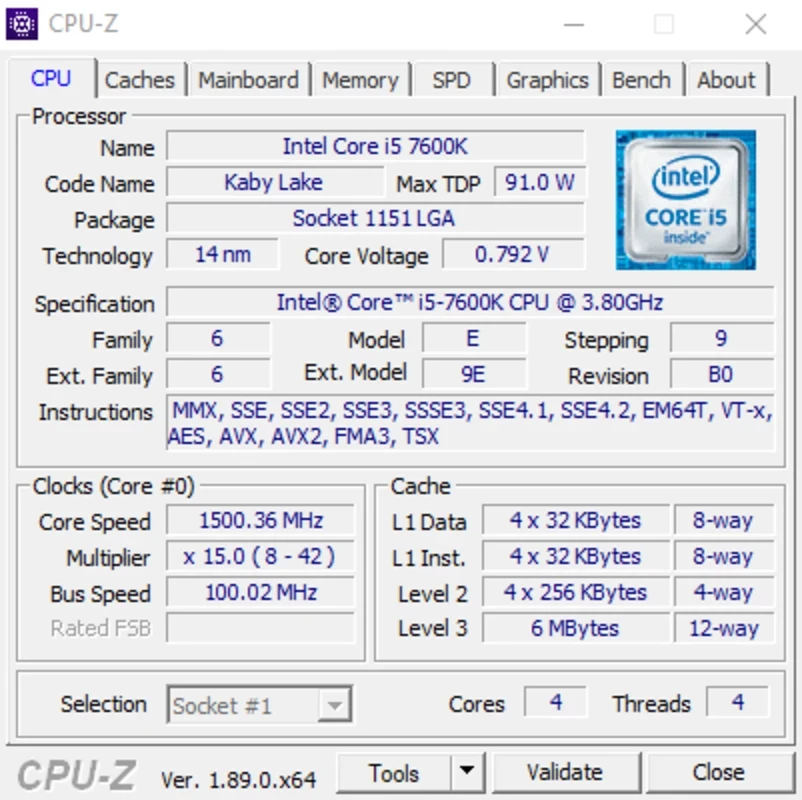
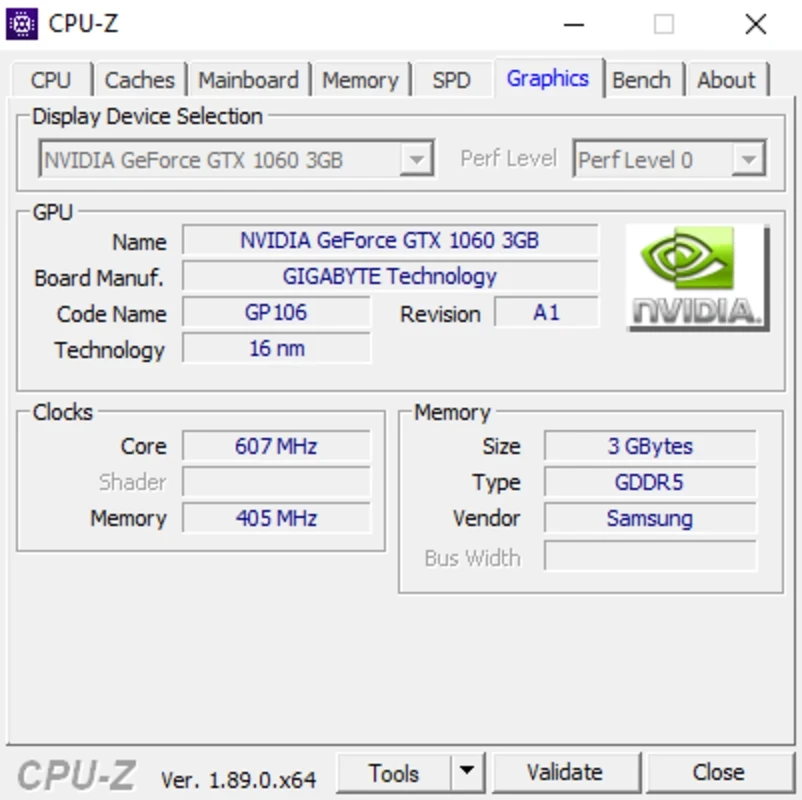
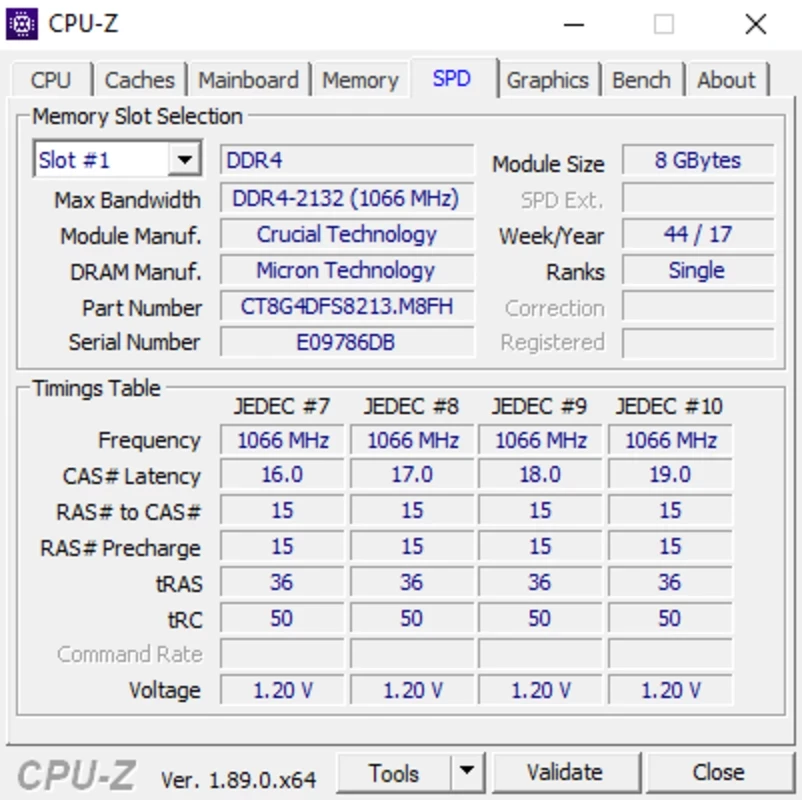
CPU-Z is a powerful go-to tool for obtaining hardware-related information about your Windows operating system. It offers detailed information about your system’s brain or heart. It is used by millions of people across the world to manage the hardware of their computer; regardless of whether it is a desktop PC, laptop, Android, etc.
It is useful for fixing potential troubleshooting problems or understanding the OS version at the time of downloading any specific program. It will give you details of the processor, motherboard, RAM, graphics card, and so on.
CPU-Z, developed by CPUID, is freeware software that is used for detecting potential issues with your system hardware. It provides all details in-depth about your system, such as the Windows version, installed DirectX, the interface version, maximum support, connection width, and so on.
It offers services for both Windows as well as Android operating systems while working as a profiling and monitoring wizard. It also enables you to operate multiple innovative tasks, including starting and stopping timers, CPU benchmarks, conducting tests, stressing, and so on. You can view the cache descriptor, size, and speed of your system as well.
It is a comprehensive utility with awesome services to customize every bit of your screen. As we aforementioned, it is portable and doesn’t require an installation process; instead, move right to the main screen with the help of a USB drive on any device. On the main screen, you will find organized tabs to access your required information.
In fact, the interface is outdated and also lacks built-in temperature monitoring. However, you can use a configuration file for tweaking the settings, and modify font sizes, colors, and even the progressive reports. You can use the Ghost mode to hide your entire interface, instead of saving data into a text file.
The program’s interface doesn’t have command icons, so you can use it easily, as it looks like a report while offering a lot of information. It primarily offers data-oriented information, and is more reliable for casual use, and even technophiles like the functionality. The main screen includes seven sections to offer all the information related to the hardware of your device. It offers everything in easy-to-read tables while adding technical terminology and PC Performance Stats.
The entire information is available on the main screen, such as;
Processor: you can find out entire details related to your CPU, such as name, number of cores and threads, clock speed, cache sizes, and even the manufacturing codenames. In addition, you can confirm specs and check overclock results.
Motherboard: it enables you to identify the manufacturer of your motherboard and other details such as model and revision, chipset, sensors, graphical interfaces, and other vital info for firmware updates.
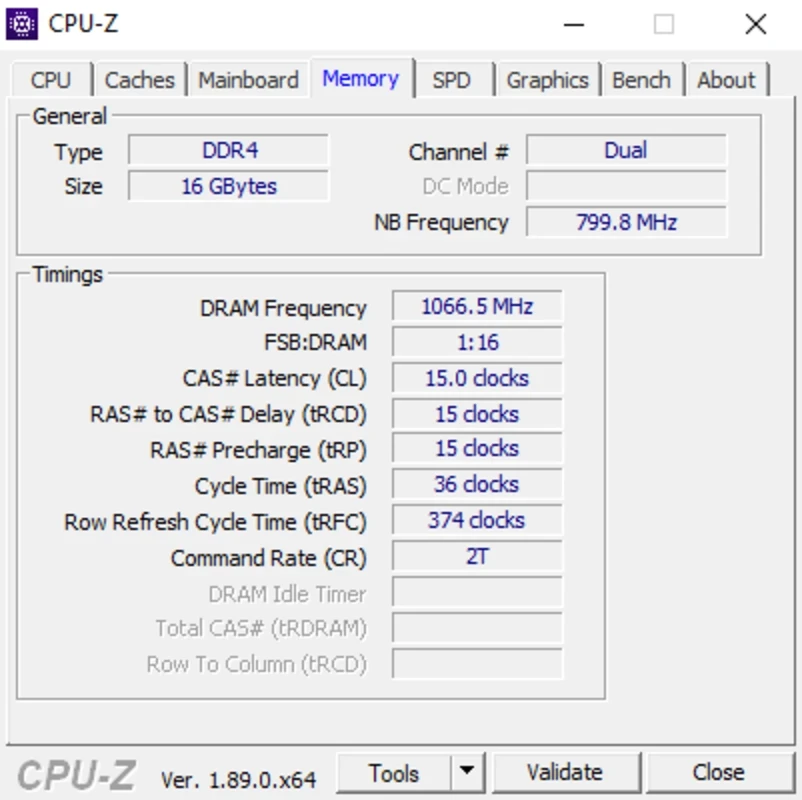
Memory: it offers details of RAM type (DDR4, DDR5, etc), size, speed, frequency and timings, memory channels, and so on. It will allow the verification of XMP profiles.
Graphics Card: it offers details of integrated basic specs such as name, GPU name, technical process, DirectX support, memory type/amount/bandwidth, and so on. It is the best solution for troubleshooting or PC building processes.
Real-time Stats: reliably useful for overclockers and performance enthusiasts while tracking the core frequencies, voltages, and utilization in real-time.
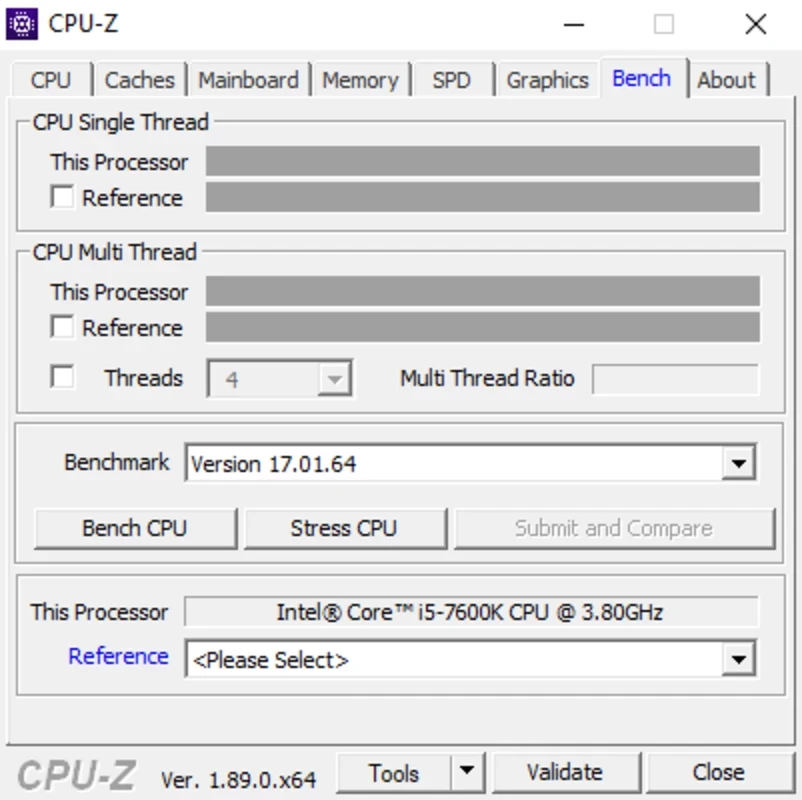
Benchmarks: it offers a lightweight benchmarking tool for testing the performance of your CPU within single-threaded as well as multi-threaded tasks. It tests the system stability while comparing your processor with others.
Report Generation: it is the best choice for tech savers, or planning an upgrade, as it enables exporting of all hardware data to a text file, and easily shares it, or simply archives it.
The app not only offers information related to the hardware, including name, frequency, assigned cores, and threads, but it also offers a lot of surprising information, such as TDP, socket, L1, L2 cache values, and technology information. The in-depth details enable you to classify your own products and compare them with others more reliably. In this way, you can easily identify any occurring culprit while dealing with it. In addition, a lot of additional information about your components is also added.
Pros
Cons

Gives you access to any type of Apk Android App on your Windows PC.

PC App Store download, install, and keeps up-to-date your PC programs

free emulator to play Android apps on your pc with extra performance, reliability

Bijoy Bayanno the most powerful software to write Bengali language on PC

Media Creation Tool is upgrading and installing Windows 10 bootable installed disks.

Rufus easily change your USB Flash to a bootable ISO flash drives.